

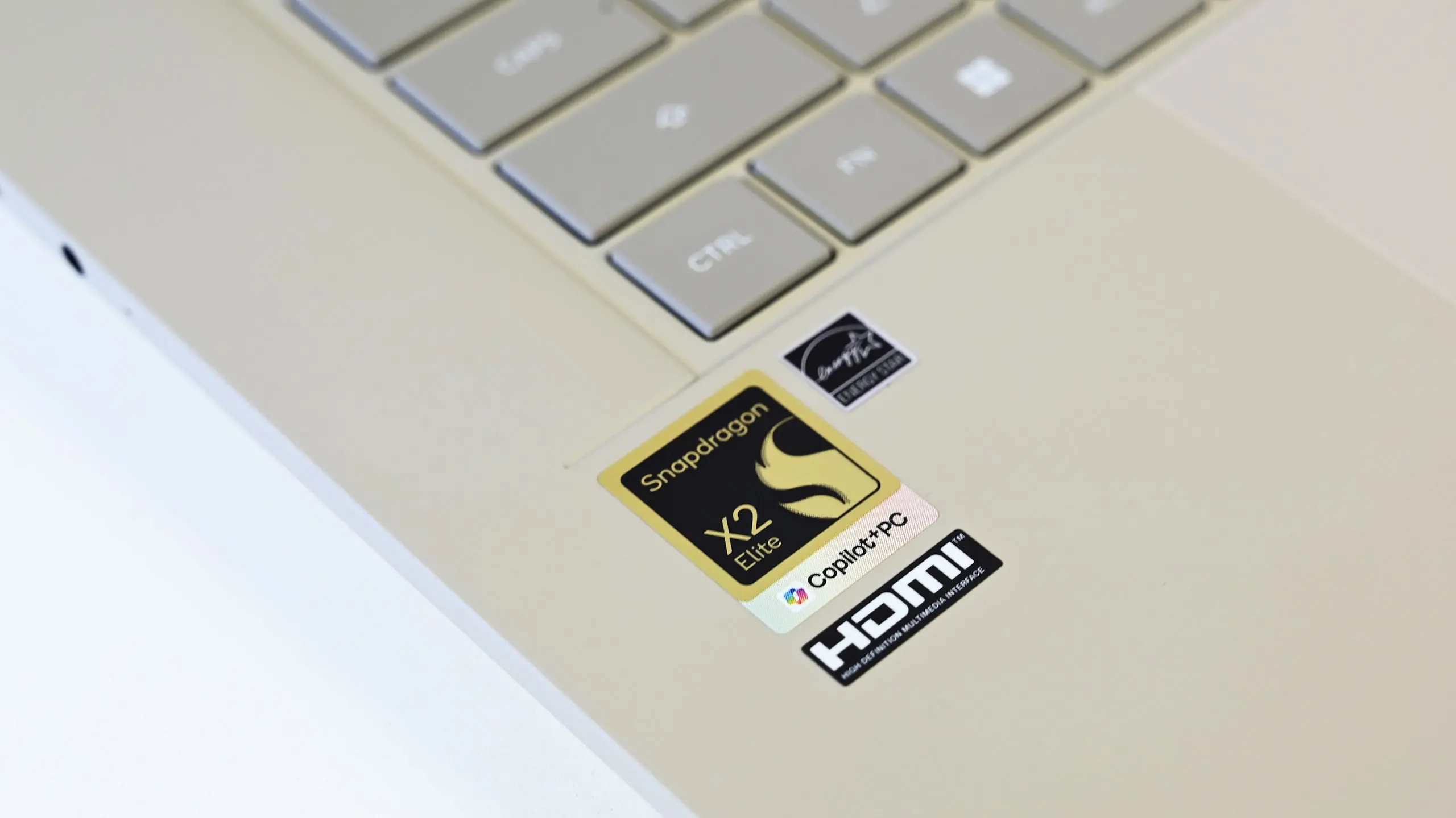
Discord, the popular communication platform used by gamers, communities, and remote teams, has finally delivered a native Arm64 version of its desktop application for Windows on Arm devices. The release targets systems powered by Qualcomm's Snapdragon X series chips, which have gained traction in the PC market due to their combination of performance, battery life, and always-on connectivity. Until now, Discord users on Arm-based Windows machines had to rely on the x86 emulation layer, which often resulted in sluggish performance, higher CPU usage, and shortened battery life.
The Arm Challenge for Windows on Arm
Windows on Arm has been a niche platform for years, but the arrival of Snapdragon X Elite and X Plus processors in 2024 marked a turning point. These chips offer competitive multicore performance and industry-leading efficiency, making them attractive for thin-and-light laptops, 2-in-1s, and even some mini PCs. However, the platform's Achilles' heel has been software compatibility. While Microsoft's Prism emulator has improved x86 application support, performance-critical apps like Discord suffered from latency, higher power draw, and occasional crashes.
Discord is not just a simple chat app; it includes voice and video calls, screen sharing, streaming, and rich text formatting—all of which require efficient use of CPU and GPU resources. When running under emulation, these tasks tax the processor more heavily, causing fans to spin up and battery to drain faster. Native Arm64 compilation eliminates the translation layer, allowing the app to directly utilize the Snapdragon's Cortex-X4 and Cortex-A720 cores in an optimal way.
What the Native Discord App Brings to Snapdragon X PCs
The new native Arm64 Discord app is available now for download from Discord's official website or through the Microsoft Store. It works on all Snapdragon X-powered Windows devices, including the Surface Pro 9 5G, Lenovo ThinkPad X13s, and Samsung Galaxy Book Go. Early testers report dramatic improvements in several key areas:
- Startup time: The app loads almost twice as fast as the emulated version, going from about 6 seconds to under 3 seconds on a Snapdragon X Elite machine.
- Voice call performance: CPU usage during a typical voice call dropped by 35–40%, leading to cooler device temperatures and quieter fan operation.
- Battery life: Because the CPU works less hard, overall system battery life during Discord usage improves by roughly 20% compared to running the emulated app.
- Screen sharing and streaming: The native app handles hardware-accelerated encoding better, reducing frame drops and stuttering when sharing a game or presentation.
- Notification responsiveness: Push notifications and real-time updates appear faster, with less delay.
These improvements are especially valuable for users who rely on Discord for work, such as remote teams using it for daily stand-ups, or content creators who use it to communicate with audiences during live streams.
Behind the Scenes: The Technical Transition
Porting a desktop application from x86 to Arm64 is not trivial. Discord's developers had to recompile their Electron-based framework, which itself depends on a version of Chromium that supports native Arm builds. Additionally, any native modules (e.g., for audio processing, encryption, or hardware acceleration) needed to be rebuilt for the Arm64 architecture. Discord uses N-API and Node.js native add-ons, which required careful testing to ensure stability. The company also worked closely with Qualcomm to optimize for specific Snapdragon X features like the Qualcomm Hexagon NPU for AI-powered noise suppression and the Adreno GPU for hardware-accelerated video rendering.
This move aligns with a broader industry trend: major app developers are increasingly supporting Windows on Arm natively. Adobe has released native versions of Photoshop, Lightroom, and Premier Pro; Microsoft has native Office apps; and browsers like Google Chrome, Firefox, and Microsoft Edge are already Arm64-native. Discord's addition fills an important gap for communication and community tools.
Historical Context: Discord on Arm
Discord first launched on mobile (iOS and Android) in 2015, which already had Arm-native code. However, the desktop version remained firmly tied to x86. The first requests for Windows on Arm support appeared on Discord's feedback forums in 2019, around the time Microsoft announced the Surface Pro X with the Microsoft SQ1 processor (a custom Snapdragon 8cx). Users reported that the emulated Discord app was borderline unusable for voice calls due to audio dropouts and high latency. Over the years, the community maintained a wishlist of apps that needed native support, and Discord consistently appeared near the top.
The delay was partly due to the early instability of Windows on Arm: many developers were hesitant to invest time in a platform with a tiny user base. But with the Snapdragon X series, Qualcomm has made bold performance claims—and delivered on them—leading to a surge in device launches in 2024. Arm-based PCs now represent roughly 3% of the global PC market, with projections to reach 10% by 2026, according to IDC. That tipping point convinced Discord to prioritize native development.
Comparison with Other Communication Platforms
Discord is not the first communication app to go native on Windows on Arm. Slack released a native Arm64 app earlier in 2024, and Zoom followed soon after. Both saw similar performance gains. Microsoft Teams, which is also available natively on Arm, has been optimized since the Surface Pro X days. The key differentiator with Discord is its real-time, latency-sensitive nature: even a 100ms delay in audio processing can be disruptive during a heated gaming session. By cutting out the emulation overhead, Discord now offers a comparable experience to x86 PCs.
For users who split time between an Arm-based laptop and a desktop PC, Discord's native app syncs seamlessly across platforms. Settings, conversations, and server roles remain consistent. The performance boost on Arm is especially noticeable when the device is running on battery power, as efficiency gains translate directly into longer usage before needing a charge.
How to Get the Native Discord App on Snapdragon X PCs
Existing Discord users on Snapdragon X PCs should be automatically offered the Arm64 version when they check for updates within the app. New users can download the installer directly from the Discord website; the installer will automatically detect the system architecture and download the appropriate build. For those who prefer the Microsoft Store, the native Arm64 version is also available there. It's important to note that the native app is still in beta? Actually, Discord has labeled it as a stable release, though some third-party plugins and themes may have compatibility issues.
Discord has also said it will continue to maintain the x86 version for non-Arm machines, so there is no risk of fragmentation. The company plans to release regular updates for both architectures in parallel.
Future Outlook: Discord, Snapdragon, and Beyond
With this native release, Discord ensures it remains a top-tier communication tool for the growing number of Windows on Arm users. Qualcomm is expected to release even more powerful Snapdragon X chips in the coming years, potentially including models for budget PCs and high-end workstations. Discord's commitment to native Arm support positions it well to take advantage of these future hardware improvements.
Moreover, the move could encourage other app developers to follow suit. The presence of major platforms like Discord, Slack, Zoom, and Adobe on Arm64 reduces the "app gap" that previously held back Windows on Arm adoption. As more users experience the benefits of efficient, always-connected laptops, the ecosystem will continue to mature.
Discord's native Arm64 app is more than just a port—it's an acknowledgment that the way people communicate is evolving, and that the devices they use need to be fully supported. For Snapdragon X PC owners, the waiting is finally over.
Source: Windows Central News