

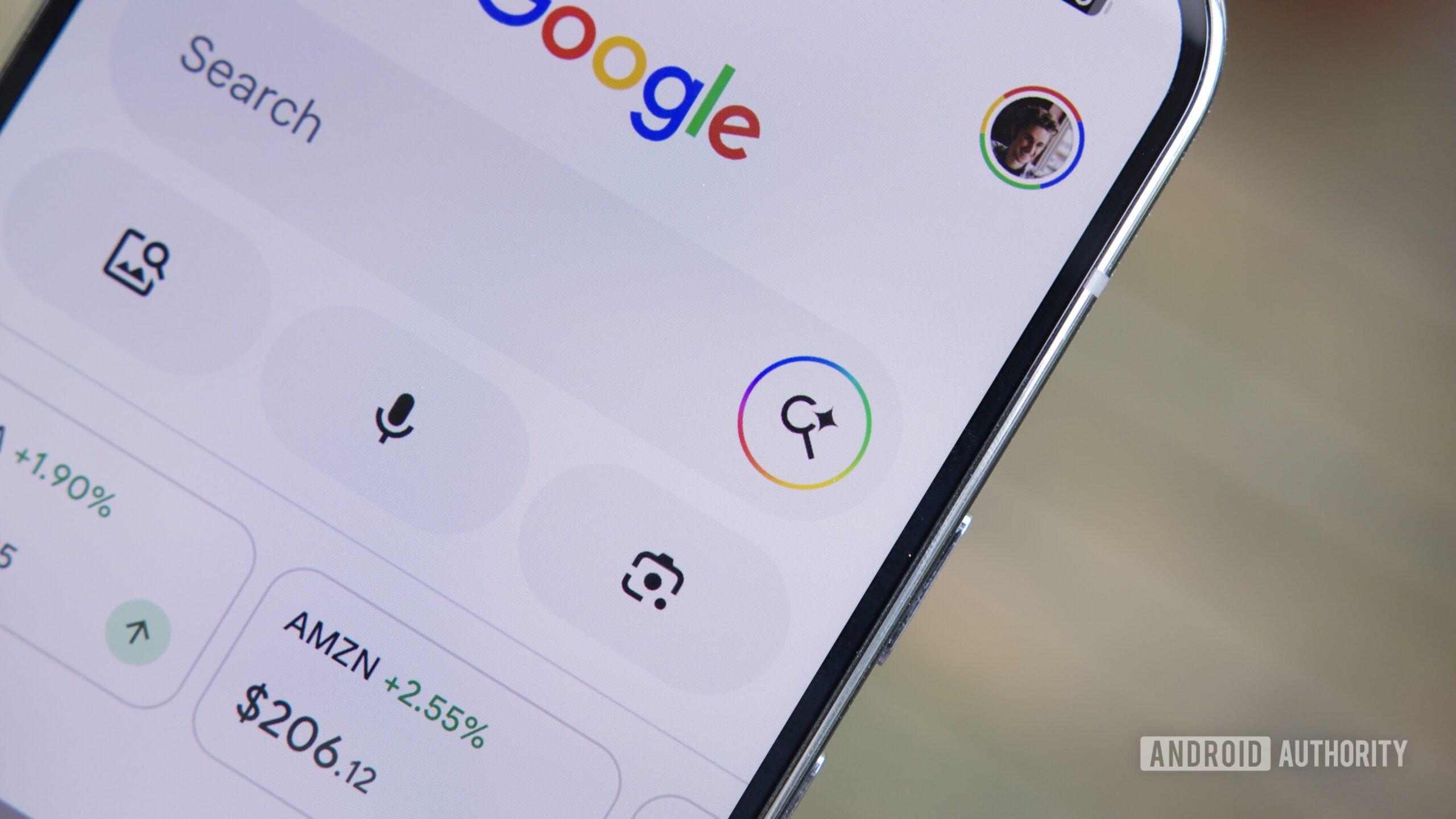
Google is rolling out a new feature for its Search app on Android that could fundamentally change how users interact with web content. Dubbed the 'Ask' button, this addition appears in the custom tab window that opens when you tap a search result link. Instead of simply reading the page, you can now invoke Google's AI Mode and ask questions about the information presented, with the webpage automatically used as context for the query.
How the Ask Button Works
When you tap a search result, a custom tab (Chrome Custom Tab) opens within the Google app. Previously, if you wanted to search for something else, you'd have to navigate back or open a new tab, which could be disruptive. Now, a new 'Ask' button sits in the interface. Tapping it launches AI Mode, a conversational interface that relies on Google's generative AI models, with the current webpage attached as a reference. This means you can ask questions like 'What are the main arguments in this article?' or 'Summarize the key data points' without manually copying text or leaving the page. Google has been pushing AI Mode as a search enhancement, and this new button ties directly into that ecosystem.
The feature is currently in testing and has been spotted on version 17.24.25 of the Google app for Android, as well as reported by users on Telegram. It appears to be rolling out gradually via server-side updates, so not everyone will see it immediately. Once activated, the Ask button leverages the same underlying AI that powers Gemini, offering a more interactive way to digest content.
Beyond Summary: Contextual AI Queries
The Ask button goes beyond a simple 'summarize page' function, which Gemini already offers. Instead, it allows you to probe deeper—asking for analysis, comparisons, or even generating new ideas based on the webpage's content. For instance, if the page is a product review, you could ask 'How does this compare to competitor X?' or 'What are the main drawbacks?' This contextual awareness is a significant step forward for mobile search, as it reduces the need to switch between apps or manually process information.
Google is also developing the ability to attach files—both local files on your device and documents from Google Drive—as context for AI Mode queries. This feature is not yet live but was activated through experimental settings. When available, users will be able to upload PDFs, spreadsheets, or images to ask questions about their contents directly within AI Mode. This integration could be particularly useful for researchers, students, and professionals who need to quickly extract insights from documents without leaving the Search app.
Impact on User Experience and Web Browsing
From a user experience standpoint, the Ask button addresses a common pain point: the friction of multitasking within a search session. On mobile, where screen real estate is limited, opening multiple tabs or switching between apps can be cumbersome. By embedding an AI assistant directly into the browsing flow, Google aims to keep users engaged within its ecosystem. However, this also raises questions about content consumption—if users can get answers without reading the full page, publishers may see reduced page engagement and ad views. Google has been careful to balance AI features with publisher concerns, as seen with earlier AI Overviews in Search.
The feature is reminiscent of similar capabilities in Chrome for Android, where AI Mode already allows adding tabs as context. The Google app is now catching up, and the addition of file attachments could make AI Mode a powerful tool for mobile productivity. For example, you could open a research paper from Google Search, then immediately ask the AI to extract the methodology or results without needing a separate document reader.
Rollout and Future Potential
As of this writing, the Ask button is being tested with a limited set of users. The ability to attach files from Drive and local storage is still under development, but its appearance in the latest Google app version signals that it may be released soon. Google has not announced a formal launch date, but based on the clarity of the feature flags, a wider rollout could occur within weeks or months.
This move aligns with Google's broader strategy to integrate AI across its products. The company has been competing with Microsoft's Bing Copilot and OpenAI's ChatGPT, which already offer web-browsing chatbots. By embedding AI deeper into the core search experience, Google aims to maintain its dominance. However, the success of such features will depend on accuracy, user trust, and how well they handle nuanced queries without hallucinating or misrepresenting source content.
For now, Android users with the latest Google app can try activating the Ask button by looking for it after tapping a search result link. If it doesn't appear, they may need to wait for the server-side rollout. The feature is expected to work with most webpages, though some sites with paywalls or dynamic content may be limited.
Beyond the immediate functionality, the addition of Drive and file attachments hints at a future where Google Search becomes an intelligent workspace. Users could potentially drag and drop files into the search bar or use voice commands to analyze documents on the fly. While such capabilities are still experimental, they represent a clear direction for Google's AI ambitions.
In summary, the Ask button for Android Search is a small but impactful update that transforms how users interact with web content. It reduces friction, adds contextual AI capabilities, and sets the stage for more advanced document analysis features. As Google continues to refine AI Mode, the line between searching and understanding is becoming increasingly blurred.
Source: Android Authority News