

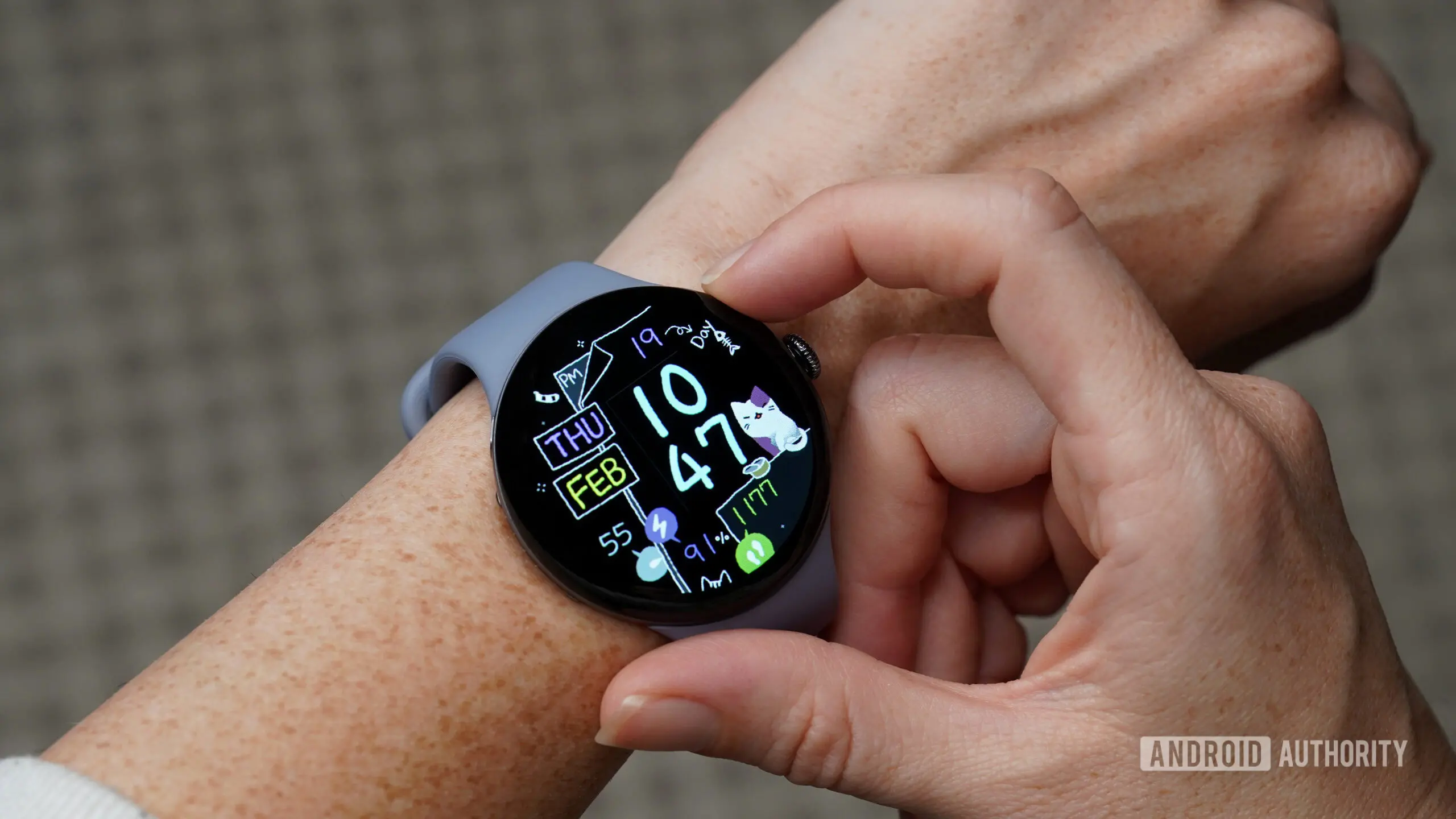
A recent software update for the Google Pixel Watch appears to have broken one of its most convenient features—the ability to quickly locate a misplaced phone. According to multiple user reports across Reddit and other forums, the dedicated Find My Phone shortcut (often triggered by pressing a button or using the ring function) has stopped working for many after installing the latest patch. While Google has confirmed the problem and promised a fix, affected owners can still use a clever workaround involving the Gemini assistant.
Key Facts
- What happened: The Find My Phone (or ring my phone) feature on some Google Pixel Watches stopped working after a recent software update.
- Who is affected: Users of Pixel Watch 3 and possibly other models, including those with Pixel 10 phones, have reported the issue.
- Temporary workaround: Asking Gemini directly on the watch to find the phone still works for many; some users also fixed it by restarting both devices or reinstalling the Watch app.
- Google's response: The Pixel Watch team acknowledged the bug on Reddit and stated a fix is in development for a future update.
Background: The Find My Phone Feature on Pixel Watch
Since the launch of the first Pixel Watch, Google has included a simple but invaluable tool: the ability to make your paired phone ring from the wrist. This feature is especially handy when your phone slips between couch cushions, gets buried in a bag, or simply vanishes in the dark. Many users rely on it multiple times a week, if not daily. The function is typically accessed via a quick settings tile or a dedicated complication on the watch face, making it one of the most straightforward utilities on the device.
When working correctly, the watch sends a signal to the connected phone over Bluetooth or Wi-Fi, causing the phone to emit a loud ringtone—even if it's set to silent or vibrate mode. This persists until the user dismisses it or finds the phone. The simplicity and reliability of this feature have made it a staple for Pixel Watch owners, often cited as a key reason for staying within Google's ecosystem.
The Post-Update Breakdown
On May 22, 2026, a user called Silent_Polak posted on Reddit that after installing the latest software update on their Pixel Watch 3, the Find My Phone button no longer triggered any response. The user explained they had owned the watch for nearly a year without any issue. Within hours, dozens of commenters replied confirming the same problem. Some noted that the Watch app on their phone became unusable—opening and immediately crashing. Restarting both the watch and the paired Pixel 10 phone did not help.
This pattern suggests the bug may be related to a change in how the watch communicates with the phone or how the ring command is processed. The timing lines up with a broader wave of updates that included new features and security patches, possibly introducing an unintended regression.
The Gemini Workaround
Amid the frustration, a user shared a surprisingly effective workaround: instead of using the physical button or tile, simply say to your Pixel Watch, “Hey Google, find my phone.” Even though the standard Gemini integration on the watch has also had its own teething issues, this voice command seemed to bypass the broken shortcut. Multiple users tested and confirmed that the Gemini command still triggers the phone to ring.
Why does this work? It's likely that the Gemini voice command uses a different internal API or service than the explicit Find My Phone button. Google may have accidentally broken the UI pathway while leaving the underlying voice-activated function intact. Alternatively, the bug might be limited to how the watch interprets a tap versus a speech request. Regardless, it's a valid stopgap until a permanent fix is released.
Some users also reported that reinstalling the Watch app on their phone or clearing its cache restored functionality. However, this did not work for everyone, and those for whom the app kept crashing could not attempt that fix. The Gemini method remains the most consistent solution across all reports.
Broader Implications for Pixel Watch Software Quality
This incident comes on the heels of several other bugs affecting the Pixel Watch line in recent months. Users have complained about battery drain after updates, intermittent Bluetooth disconnections, and issues with step counting accuracy. While none of these are catastrophic, the cumulative effect has tested the patience of the community. Many Pixel Watch owners feel that Google often prioritizes new features over polishing existing ones, leading to a string of preventable regressions.
For a device that is supposed to be a reliable daily companion, such oversights can erode trust. The Find My Phone feature, though simple, is a core utility that many take for granted. When it fails, it not only inconveniences users but also highlights the fragility of an ecosystem that depends on seamless software integration between watch and phone.
Google Acknowledges the Issue
On the same day the Reddit thread gained traction, a representative from the Pixel Watch team responded directly in the thread. They confirmed that they were aware of the problem and actively working on a fix. The team also reiterated the Gemini workaround as a temporary solution. The official response stated: “We’re sorry for the inconvenience. A software update with a permanent fix is in development and will be released soon. In the meantime, you can use Gemini voice commands to ring your phone from the watch.”
This level of direct engagement on Reddit is becoming more common for Google's hardware divisions, but it also signals that the issue is widespread enough to warrant public acknowledgment. Users appreciated the transparency but remain cautious, as similar promises in the past have taken weeks or months to materialize.
How to Protect Yourself from Future Bugs
Until the fix arrives, Pixel Watch owners who rely on Find My Phone should consider enabling backup methods. Ensure that your phone's ringer is always on when possible, or use third-party finder apps that can be triggered from the watch via custom integrations. Another option is to keep a smart speaker or hub that can locate your phone through voice commands. Of course, the simplest precaution might be to pause automatic updates until the patch is verified stable—something many power users already practice.
For those who have already been affected and cannot use the tile, the Gemini workaround is straightforward. Just raise your wrist and say, “Hey Google, find my phone.” If the watch does not respond, ensure Gemini is set as your default assistant and that the watch has an active internet or Bluetooth connection. If all else fails, a full factory reset (while inconvenient) may restore the feature until the official fix arrives—but this should be a last resort.
In the grand scheme of watch bugs, a missing phone-finder is far from catastrophic. Yet it underscores how deeply integrated these devices are into our daily routines. When a simple tool stops working, it disrupts a tiny but important safety net. The positive takeaway is that Google is listening and acting. The downside is that users are once again reminded that early adopters of new technology often have to tolerate growing pains.
The Pixel Watch remains a compelling product, especially for those deep in the Google ecosystem. With each subsequent update, Google has the opportunity to refine the experience and close the gap with more mature competitors like the Apple Watch. But to do so, it must prioritize reliability over novelty. The Find My Phone restoration, when it comes, will be a small step in that direction—but a meaningful one for the thousands of owners who just want to find their phone without flipping the entire house upside down.
Source: Android Authority News